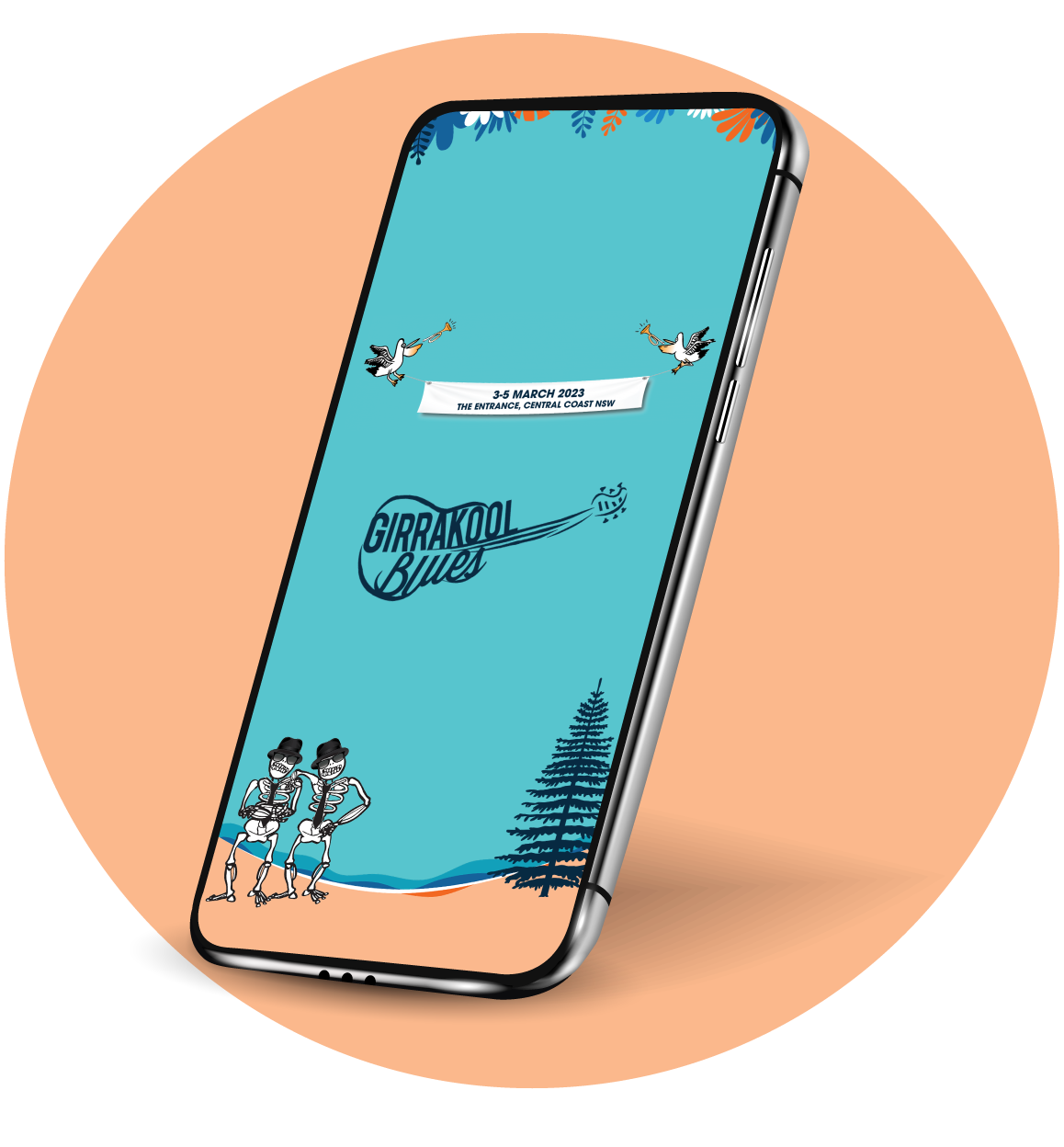
Don’t miss a thing, get the schedule in your pocket. And you’ll be all set for Girrakool Blues 3-5 March!
offical mobile app
The official Girrakool schedule and guide, is now available via our very own event mobile app. Easily view the full line-up, schedules, get playing time reminders, or get notified of any event changes.
Girrakool Blues acknowledges the Darkinjung and other Traditional Custodians of the lands on which our event is held. We pay respect to their Elders’ past and present and extend that respect to all First Nations peoples as knowledge holders with continuing connections to land, place, waters and community.
Thank you Ann maree! A confirmation email has been sent to anmareee@bigpond.com
Please check your inbox (and spam folder) and click the link in the email to confirm your email address.
Why not have the schedule in your pocket and download the official Girrakool Blues app
offical mobile app
The official Girrakool schedule and guide, is now available via our very own festival mobile app. Easily view the full line-up, schedules, get playing time reminders, or get notified of any event changes.